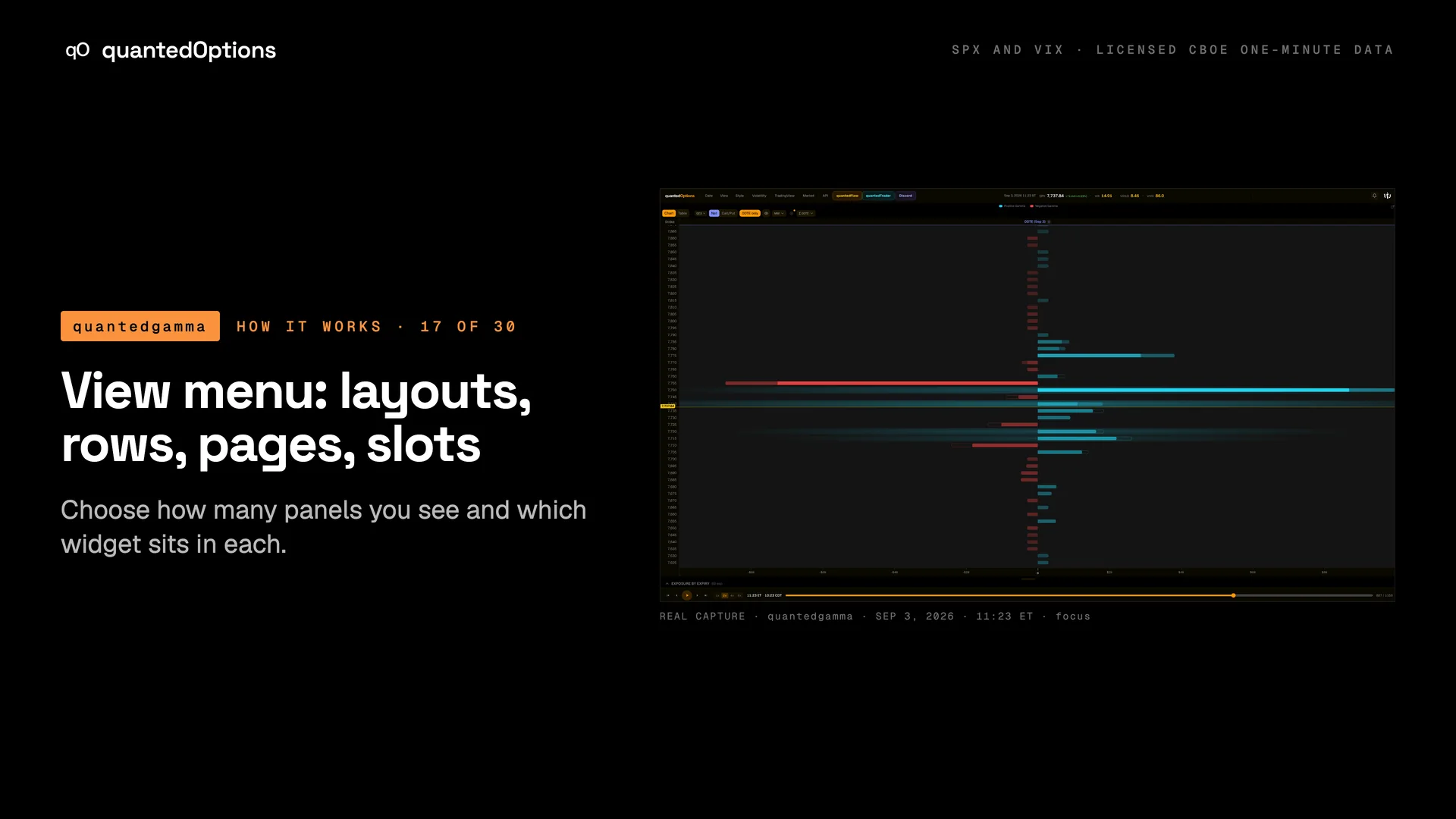
View menu: layouts, rows, pages, slots
Choose how many panels you see and which widget sits in each.
What it shows
The View menu offers eight layouts. Each layout has slots A-D; every slot has a dropdown to choose its widget and a pop-out button. You can add more rows under the first, add named pages (tabs), and drag the dividers to resize panels.
What it is built from
Your own layout choices, saved in your browser.
Reading
How to read it
- Focus: a single full-width panel.
- Dual: two panels side by side. Triple: three equal panels.
- Standard: a main panel with two side panels; there is a mirrored version.
- Comparison: SPX and VIX side by side with analytics. Quad: a 2x2 grid. Carousel: swipeable full-screen cards.
Controls
What each control does
| Control | Options | What it changes |
|---|---|---|
| Layout icons | focus, dual, triple, standard, mirrored standard, comparison, quad, carousel | Switches layout; widgets already in a slot that still exists are kept. |
| Add Row | any of the eight layouts | Adds another row of panels beneath. |
| + Add Page / page tabs | add, rename, remove | Separate named dashboards. |
| Slot widget dropdown | Ladders: SPX/VIX Strike Profile; SPX Surfaces; VIX Surfaces; Price / Gamma: SPX, VIX, SPX Gamma Profile; Charts: Gamma Flow By Strike; Flow: Cumulative Net Delta, Cumulative Net Gamma, Premium Flow | Puts that widget in the slot. A slot switched away from a Strike Profile and back keeps its settings. |
| Pop out | per slot | Opens the slot in its own window at the minute on screen. |
| Drag dividers | - | Resize columns and rows. |
Read it with
- Style menu
- the three-panel flow page and the three-pane dashboard used throughout the case studies
Good to know
- Layouts are saved in your browser, so each device keeps its own.
- New accounts start on the Comparison layout; phones show one panel at a time with a tab bar.
A real session
See it happen
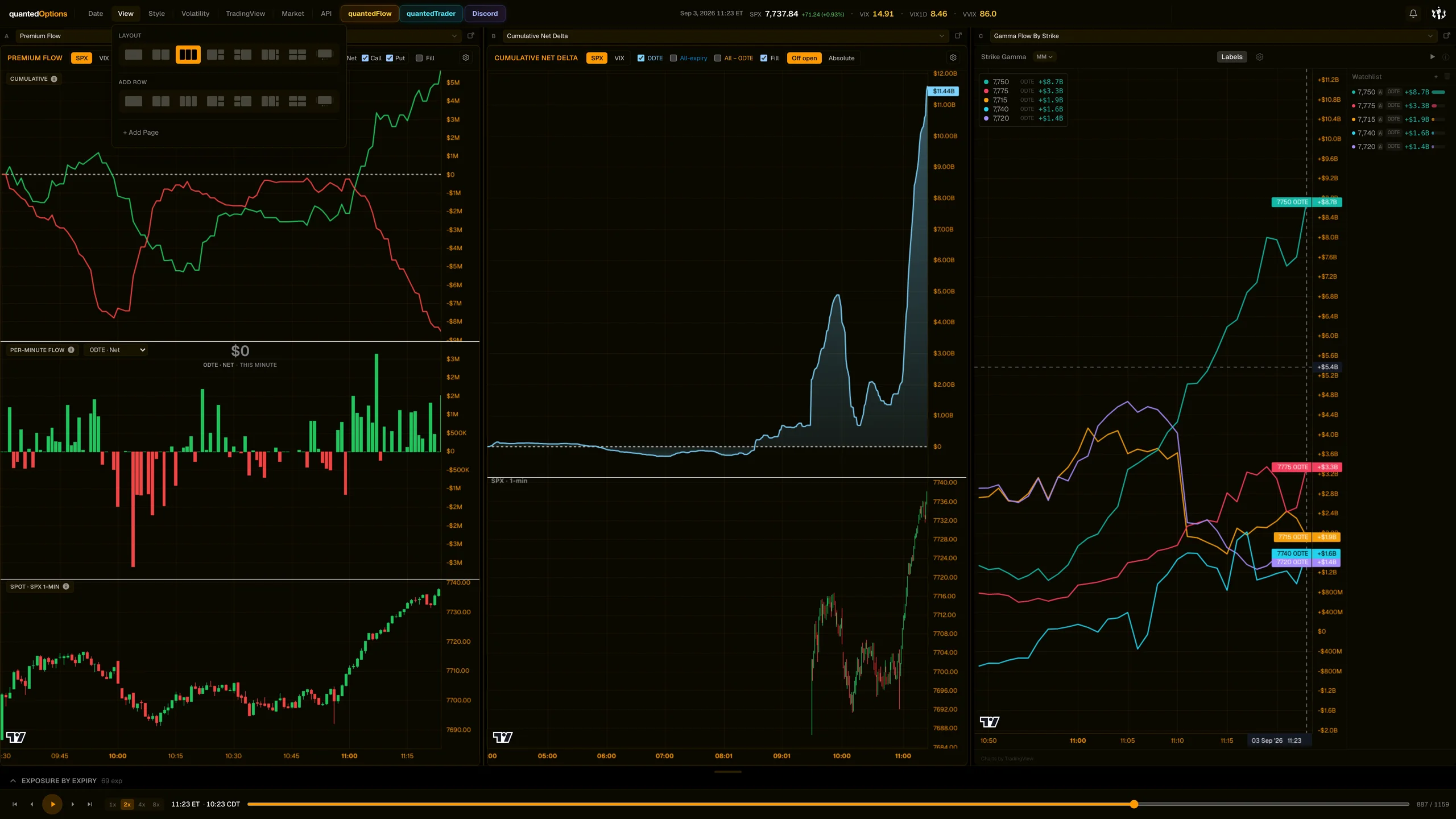
11:23 ET
The triple layout: Premium Flow / Cumulative Net Delta / Gamma Flow By Strike.
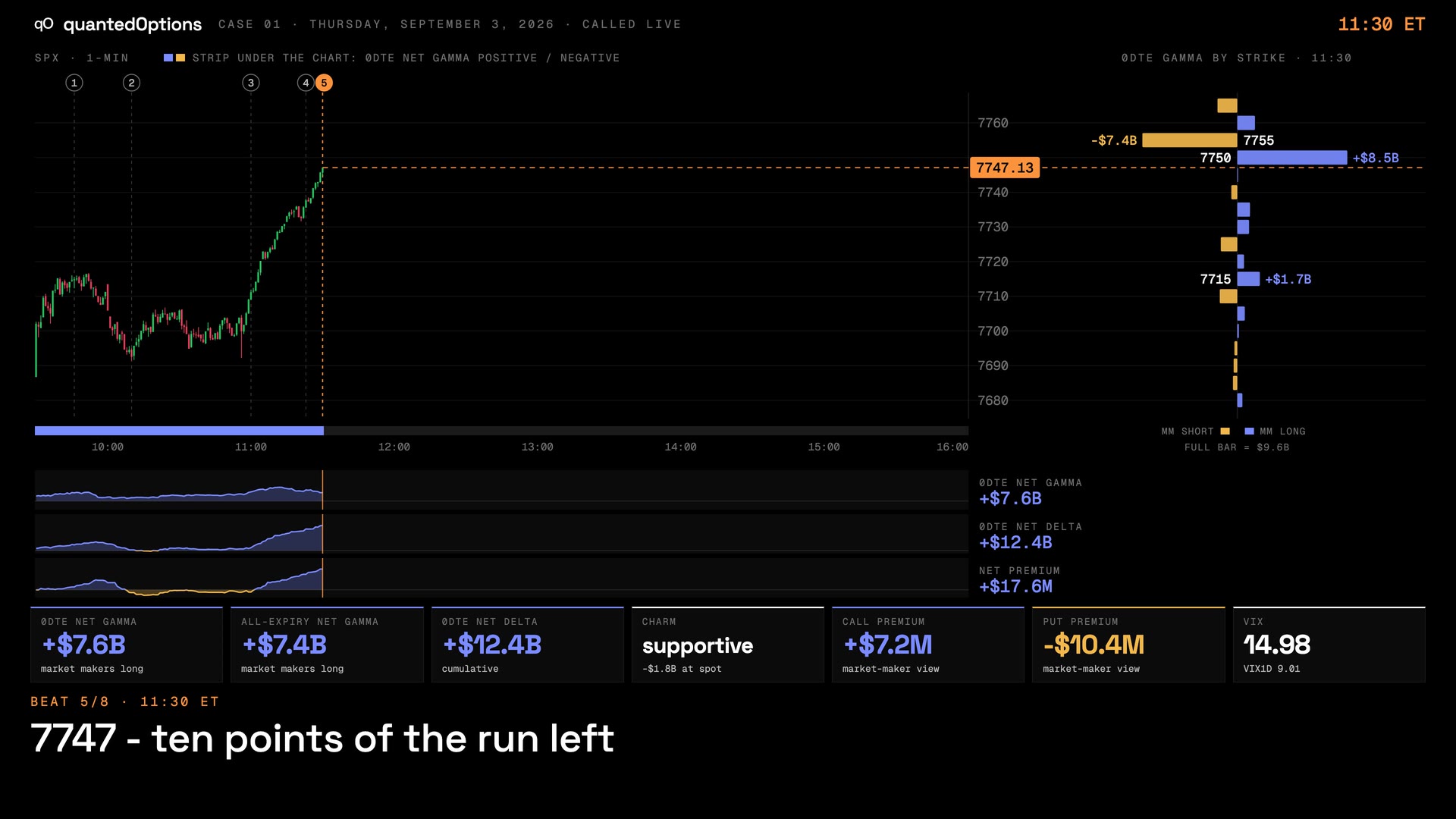
Case 01 · Sep 3, 2026
Calls bought, puts sold, net delta at the highs: the run to 7750
13 slides
The walk-through, slide by slide
Slide 1 / 13
From the product
Real frames
Shot off the live product, nothing redrawn. Click the right side of a frame for the next one, the left side to go back.
Product frame 1 / 9
These pages describe what the displays show and what the data did on the sessions shown. They are not trading advice, and a past session is not a forecast of a future one.